
About Us
Being a customer’s centric company we are offering Development and Maintenance Service.
ConsultationContact Info
- Sr No 60 Gala No 1, Astavinayakpada, Mourya Naka, Sativali,
Vasai East, Vasai Virar, Palghar, Maharashtra,India 401208 - 797-2552-797
- info@fixupwala.in
- Week Days: 09.00 to 18.00 Sunday: Closed
Printer Set Ups / Troubleshooting
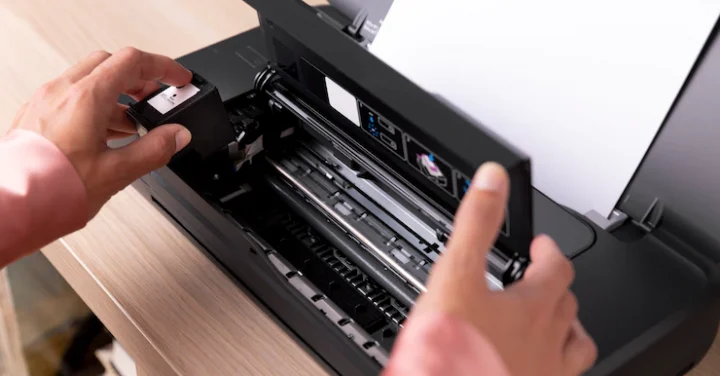
Printer Set Ups / Troubleshooting
In most cases, all you have to do to set up a printer is to connect it to your PC. Simply plug the USB cable from your printer into an available USB port on your PC, and turn the printer on. Select the Start button, then select Settings > Devices > Printers & scanners. Open Printers & scanners settings.
Types of printer
- Laser Printers.
- Solid Ink Printers.
- LED Printers.
- Business Inkjet Printers.
- Home Inkjet Printers.
- Multifunction Printers.
- Dot Matrix Printers.
- 3D Printers.
Sign up for our newsletter
Stay up to update with our latest news and products.
Do write us for offers..